
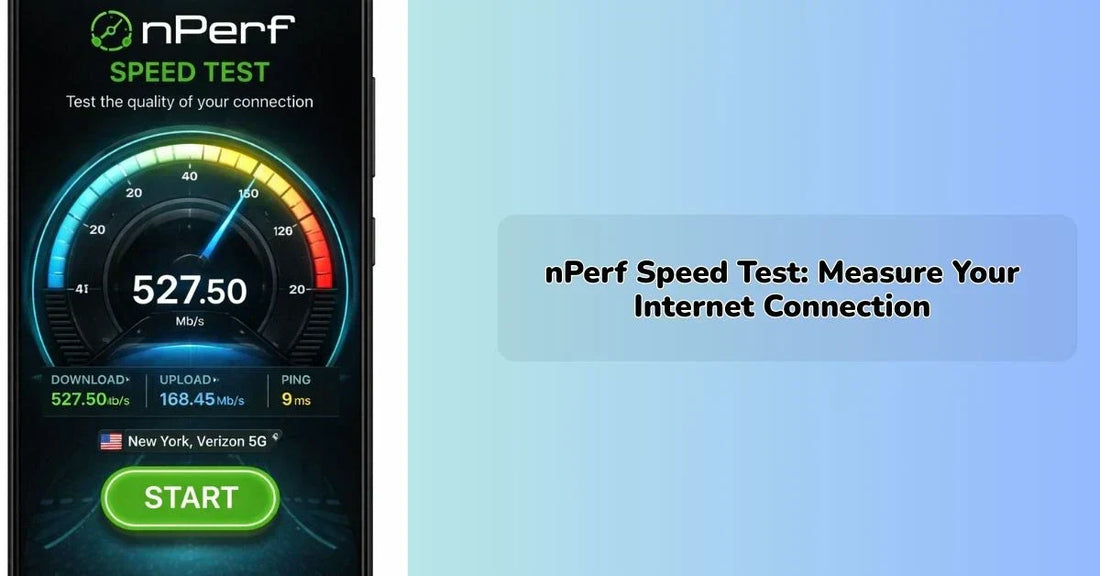
nPerf Speed Test: Measure Your Internet Connection
IEM RoboticsTable of Content
-
What is nPerf Actually Testing
-
How the nPerf Speed Test Works
-
The Coverage Map
-
The Use of nPerf for Mobile Networks
- Conclusion
- FAQs
As integral to modern life as water or electricity, internet connections are now a vital resource, yet the majority of people have absolutely no way of verifying whether their provider is delivering what has been agreed. Dropped video calls, painfully slow loading, or stuttering streaming during the climax of a show; they are all symptoms of a potentially deficient connection, but it's impossible to pinpoint exactly where the bottleneck lies. nperf is designed for precisely this scenario, providing individuals with a comprehensive, structured method for measuring and understanding their connection, wherever it might be – at home, in the workplace, or on a mobile device out and about.
Where nPerf distinguishes itself is not through the singular metric it records, but the richness of data it provides beyond mere speed reading. Unlike other tools that often simply throw a number at you and expect you to make sense of it, nPerf breaks down the various aspects of your connection into easily digestible and action-oriented measurements. For anybody who has ever questioned whether their broadband service lives up to its billing, or if the mobile coverage in a specific location is robust, nPerf offers an accessible and clear solution.
What is nPerf Actually Testing
For the majority of us, testing our internet speed simply means testing how fast we can download files. But in fact, nPerf tests much more than that. When a test is run, multiple separate tests are conducted, and these produce many different data points that represent the performance of a connection in a number of ways.
Amongst the tests nPerf performs are;
Download speed: This test will show how fast data can travel from the internet to your device. This is usually measured in Megabits per second (Mbps), and it effects loading times of webpages, streaming video quality, and download times of larger files.
Upload speed: The test is also able to record the upload speed. This is measured similarly to the download speed, but it shows the speed at which you are able to transmit data from your device out into the internet. This is important when video conferencing and uploading large files.
Latency (Ping): This is the measurement of the time that is taken for a signal to travel from your device to the server and then back again. The test shows latency in milliseconds, and the lower the value, the better for things such as online gaming or video conferencing.
Jitter: The latency test also includes jitter measurement, which is actually the amount the latency varies. If your pings have a low average value, but high jitter, your calls may have choppy audio, and this will have an impact on your internet speed.
Packet loss: The last test, packet loss, will show the percentage of data packets that fail to be sent out from the destination server. This usually only needs a small packet loss value to have a massive impact.
To evaluate your connection quality across different networks, consider using the advanced speed testing service from nPerf
How the nPerf Speed Test Works
Running a nPerf speed test is fairly simple to do. A user needs to open the website or mobile application, choose which server they want to test from, and then click 'Start' on the test. It usually takes no longer than one minute for a test to run.
The order of the test is straightforward.
● The platform connects to a server. Users have the option of manually choosing the server, or the platform can automatically choose based on which is nearest.
● A download test is performed where the platform transfers data to the device and measures the speed it takes to get there.
● An upload test then occurs to test data going the other way.
● Latency is measured by sending data packets and measuring how long the journey takes.
● Jitter is a variation in the recorded latency.
One of the advantages of testing a connection on nPerf is the large number of servers that are positioned all over the world. Users can actually perform a speed test from multiple different country-based servers, which could be useful for many reasons.
The Coverage Map
One of the most useful things nPerf does beyond single speed tests is create a complex map of coverage that is built from all of the speed tests that users around the world conduct. The coverage map will show the mobile network coverage for a variety of operators and allows any user to view the signal strength and speed that has been achieved at a particular location. This is a valuable service in several different situations:
● Testing out the mobile network coverage prior to travelling to a new region
● Finding the best carrier in an area where more than one provider offers a similar price
● Finding dead spots or poor service along a route used daily
● Researching coverage prior to a move
The map is constructed from a constantly growing database of actual test results, not from the hypothetical maps provided by network operators. This makes the nperf speed test coverage map fundamentally different because the coverage shown on an operator's coverage map may be technically there, but may not match the user experience at street level.
The Use of nPerf for Mobile Networks
Testing mobile internet is inherently more complex than testing fixed broadband. Signal strengths vary enormously with geographical location, time of day, and the number of users on a local tower. NPerf takes account of this by providing a mobile application, available on Android and iOS, that allows users to run tests wherever they happen to be.
● The key advantages of mobile testing using nPerf are:
● Finding out at which points in their daily commutes or routines they have good 4G/5G coverage
● Testing indoor signal strength, which can differ hugely from the signal strength outside
● Comparing the performance of two different operators on the same street or within the same building
● Storing and viewing results over time to monitor if a network is getting better or worse in a particular place.
In addition, the results of mobile tests run are added to the overall coverage database, so every mobile test that the user makes becomes a contribution to a worldwide picture of network quality.
Conclusion
With the coverage mapping function, nPerf has become one of the more comprehensive and dependable ways to analyze the performance of an Internet connection. Many testing applications only display a single figure and nothing else, but nPerf has organized all the individual figures that actually matter when assessing whether a connection is suitable for a certain need. The speed test tool provides both the upload and download speeds, along with jitter, latency, and packet loss for an all-around image of the connection instead of one number.
Along with the other features, the coverage mapping tool on nperf combined with the list of available network providers, is useful for anybody who wishes to understand and improve their Internet connections, whether it is to take them to task, select a provider, or just work out why a particular link seems slow every so often.
FAQs
1. Is nPerf free?
The basic testing features in nPerf are free. You don't need an account or to pay for speed tests, coverage maps, or comparisons between internet providers. Some more advanced features might require an account to be created, but the basic tools are open to all.
2. How is the nPerf test different from other tests?
The nPerf speed test doesn't just give you download speed; it also gives you upload speed, latency, jitter, and packet loss in the same test and compares that information to a large database of real user testing. This is a much more useful test than those that simply return a number.
3. Can nPerf tests be used as proof in a dispute with an ISP?
The tests run using a third-party platform are always useful to start a conversation with a provider, and depending on the specific ISP and context, could potentially be taken as evidence. If you can demonstrate that your average speeds are significantly less than those you have been advertised on a consistent basis, it's reasonable to file a complaint.
4. How reliable is the nPerf coverage map?
The map itself is an authentic representation of conditions as experienced by real users because it is built with their data. It is more accurate than the map released by the mobile operator, especially in those locations where a reasonable number of test results have been registered. Of course, there are some areas of poor connectivity where tests have not been run, so that area is poorly displayed on the map.
5. Do the tests run on your device impact the test results?
Yes, somewhat. An older device might have a slower wireless adapter, giving a slower speed than a newer device on the same line, even if the line should be able to cope better. You will want to perform tests on whatever device you usually use for your browsing in order to find the closest reading of your real experience.

By: Asmita Ghosh
1 comment
8qk7a7